Editorial comparison
HFM vs FP Markets: accounts, costs and the TradingView connection
Compare HFM Zero, Premium and Pro with FP Markets Standard and Raw: commissions on the same basis, a complete cost example and platform choices that fit your workflow.
What is the key difference between these brokers?
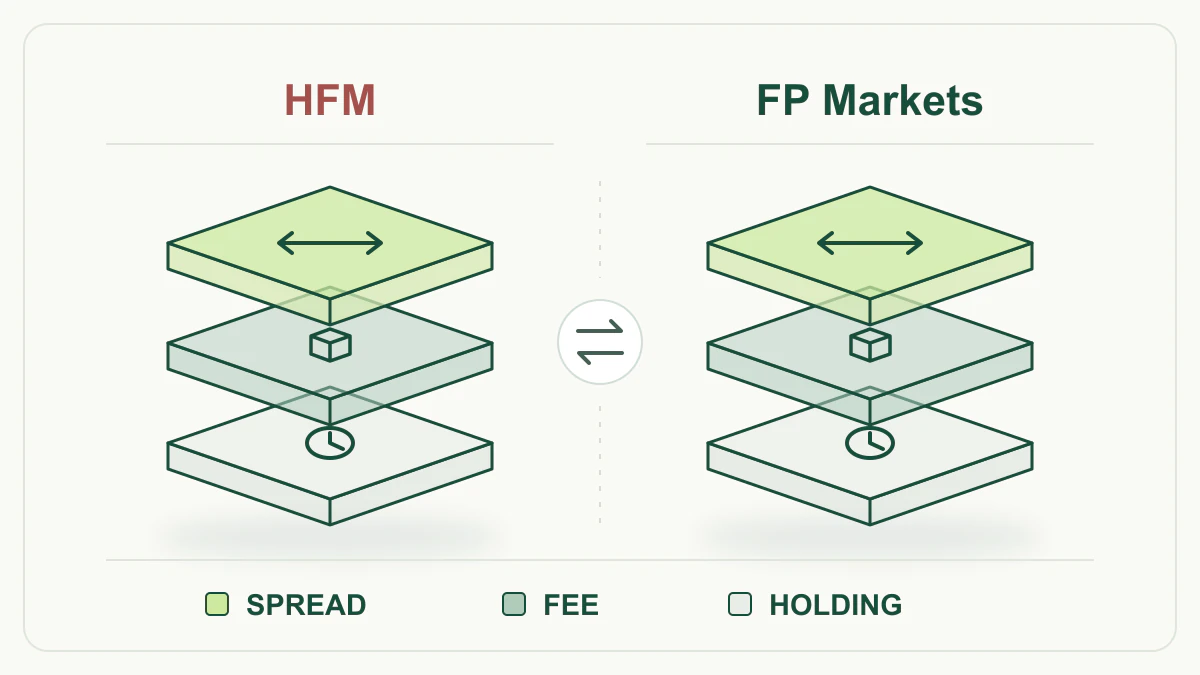
HFM and FP Markets offer forex and CFD trading, so the choice starts with the account and platform you intend to use. At HFM, Premium and Pro have no separate forex execution commission, while Zero separates spread and commission. At FP Markets, the corresponding distinction is between Standard and Raw.
For someone already using MetaTrader, the practical questions are what an identical trade costs and which tools it needs. For someone who wants to place orders inside TradingView, another distinction matters: FP Markets documents a broker connection, while HFM documents integrated charts within its own WebTrader. See the HFM review and FP Markets review for the account details.
Accounts compared on the same basis
The table concerns forex. Dollar commissions refer to a USD account and a completed opening and closing trade. FP Markets figures come from its global Standard/Raw table; other entities may have different terms.
Scroll the table horizontally to read every column.
| Item |  HFM HFM |  FP Markets FP Markets |
|---|---|---|
| Account without a separate execution commission | Premium: spreads from 1.4 pips; Pro: from 0.6 pips | Standard: spreads from 1.0 pip |
| Commission account | Zero: variable spreads from 0 pips | Raw: spreads from 0 pips |
| Commission for 1 standard FX lot, 100,000 units | Zero: $6 round turn | Raw on MT4/MT5: $6 round turn |
| Commission for 0.10 lot | $0.60 round turn | $0.60 round turn |
| TradingView | Charts inside HFM WebTrader | Direct connection with an eligible Raw account |
“From” describes an advertised pricing floor, not an average spread or a guaranteed quote for a trade.
Forex commission: the same amount expressed two ways
HFM Zero’s commission table lists $6 for opening and closing 100,000 currency units. That is equivalent to $3 per side. FP Markets lists $3 per side for Raw forex trades on MT4/MT5 in a USD account, also giving $6 for a completed trade. At 0.10 lot, or 10,000 units, the round-turn commission is $0.60 in both cases.
This establishes equal commission under those conditions. Actual spread, slippage and holding costs can still produce different totals. Keep the scope intact: an MT4/MT5 rate does not establish that every cTrader or TradingView commission uses the same method, and a different account currency needs its corresponding tariff.
Worked example: a 0.10-lot EUR/USD trade
Assume a hypothetical 0.10-lot EUR/USD purchase in a USD account: 10,000 euros, with one pip equal to $0.0001 per euro, giving a pip value of $1. In both accounts, assume an ask of 1.10002 and a bid of 1.10000: a 0.2-pip spread. Quotes remain unchanged until closing, with no slippage, currency conversion or holding beyond rollover.
Buy at 1.10002 and close by selling at 1.10000. The spread loss is 10,000 × $0.00002 = $0.20. Add $0.60 round-turn commission: total cost is $0.20 + $0.60 = $0.80 for both HFM Zero and FP Raw on MT4/MT5. The spread is counted once for this completed trade. These assumptions were invented for illustration and are not observed prices; see the total trading cost guide for the method.
The HFM commission here is for the full round turn; its Zero MT4/MT5 announcement describes charging it entirely at opening. The $3-per-side equivalent does not promise two separate debits.
TradingView: embedded charts or a connection for order execution
HFM WebTrader lets users analyse charts and manage trades in a browser using TradingView’s charting engine. This may suit someone who prefers an HFM workspace. That documentation does not verify an HFM broker connection from tradingview.com, so users who require such a connection need to distinguish the two arrangements.
FP Markets includes TradingView in its Raw account table, and its connection guide describes selecting FP Markets from the broker list and authorising access through a cTrader ID. Orders can therefore be sent from TradingView to the appropriate account. The practical task is to select an account and platform that support your workflow; the appearance of the TradingView name on both sites does not make the connections equivalent.
MetaTrader, cTrader and your existing workflow
Both brokers list MT4 and MT5. FP Markets also lists cTrader for Standard and Raw in its global table, with TradingView available for Raw. A cTrader user therefore has a documented route at FP Markets, while HFM’s documented choices here centre on MetaTrader, WebTrader and its app.
If you have existing templates, a journal or automation, test them in the destination environment before moving. Platform support does not guarantee that every add-on, symbol or process behaves identically. In a demo, open the same currency pair, inspect its contract size and order details, and test the tool your method relies on. Browser charts alone do not establish that automation built in another application can run there.
Costs that can arise when holding a position
Intraday trading and holding for several nights have different cost structures. HFM describes swap-free terms but limits them to specified instruments and conditions. That headline should not become an assumption that every instrument and holding period is exempt from charges. FP Markets has a swap component; its Australian website explains holding mechanics without establishing a tariff for the global account compared here.
For an overnight comparison, use the same pair, direction and number of nights. Record commission, spread and the holding debit or credit separately using the account specifications. Even in an example without swap, slippage can alter the actual execution price. Keeping these components separate makes changes in cost easier to identify.
Deposits, trading units and position risk
HFM Zero contains a deposit inconsistency worth resolving: the account table states a $0 minimum, while the FAQ on the same page states $25. There is therefore no single amount we can present as a confirmed requirement. HFM’s comparison table lists $100 or €100 for Pro. These are account funding requirements, not a risk budget for a trade.
The minimum trade size shown for Zero and in the FP Markets table is 0.01 lot. For a standard FX contract of 100,000 units per lot, this means 1,000 units of the base currency. Start with the amount you intend to risk and the stop distance; the position-size calculator can help with the arithmetic. A stop order does not guarantee that the realised loss will stay within the planned amount.
Which account fits, and how to decide
HFM merits consideration if you want a choice between Premium, Pro and Zero and intend to use MetaTrader or HFM’s browser interface. For someone requiring a direct TradingView broker connection, the limitation is that the reviewed documentation establishes embedded charts only. FP Markets merits consideration if cTrader or a Raw TradingView connection is central to the workflow; Raw requires commission to be included alongside spread, with the tariff checked for the chosen platform.
Start with the HFM and FP Markets comparison. Then practise an equivalent order in a demo and record its units and charges. This article provides neither an average-spread measurement nor a cheapest-broker ranking. Account terms depend on the contracting entity and residence, and leveraged CFD trading carries a significant risk of loss.