Guide
Koinly plans: tax years, transaction capacity and report preparation
Koinly report plans are purchased by tax year and transaction capacity without recurring subscription billing. Check imports, history, balances and reporting files before purchase and professional preparation.
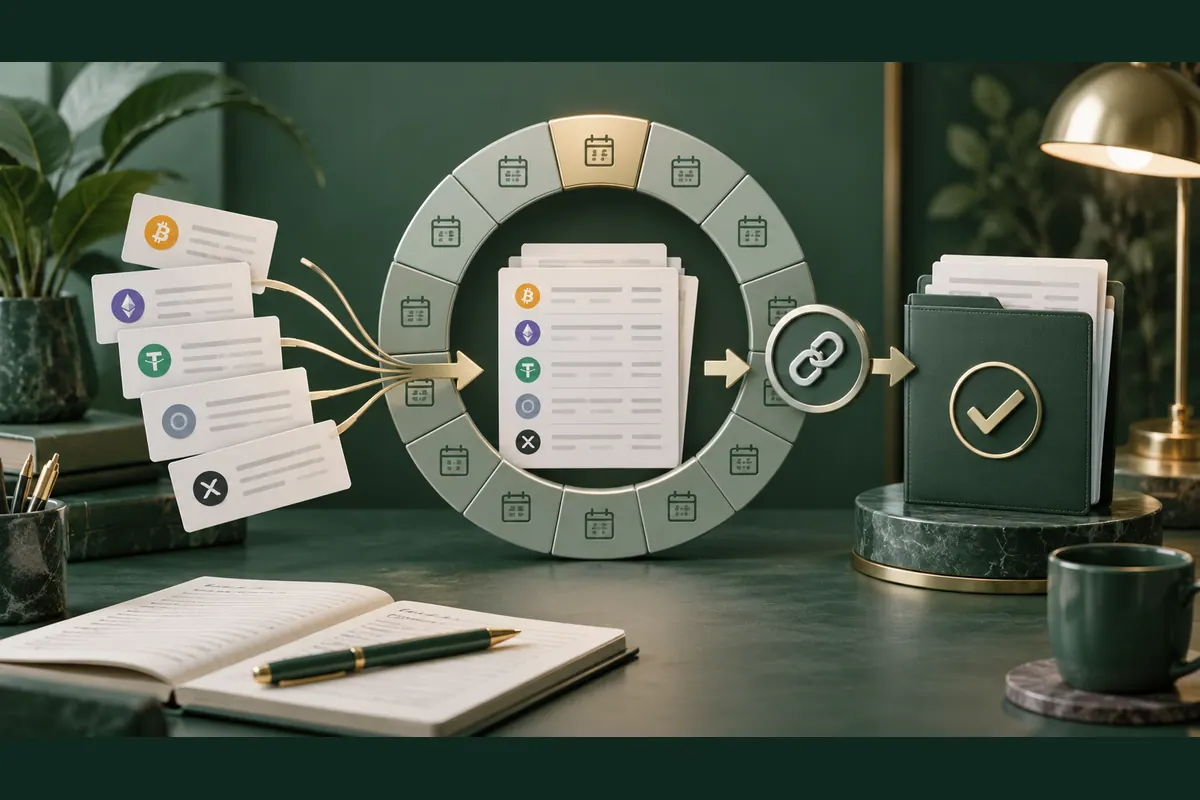
Purchasing Koinly: choose a reporting year before a plan
Koinly report plans are one-time purchases for the tax year whose reports you need. They are not renewing subscriptions and do not automatically charge for the next year. Transaction capacity also determines the plan. Start with year and historical sources, then inspect coverage. The service produces downloadable material and does not file with authorities on the user's behalf.
Scroll the table horizontally to read every column.
| Help-centre plan | Transaction capacity | Scope to examine |
|---|---|---|
| Free | Up to 10,000 across wallets | Imports and calculations without report generation |
| Newbie | Up to 100 | Purchased-year reports subject to capacity rules |
| Hodler | Up to 1,000 | Purchased-year reports subject to capacity rules |
| Trader | Up to 3,000 | Purchased-year reports subject to capacity rules |
| Pro | Up to 10,000 | Purchased-year reports subject to capacity rules |
These are help-document capacities, not checkout prices or a promise that every activity type imports. The pricing page groups some higher volumes differently, so check the account's offered plan and billable count. Data examination can begin within Free limitations before a report purchase.
The Koinly review explains record consolidation. This guide builds a purchase and validation process separating subscriptions, reporting years, row counts and filing responsibility.
Koinly imports: each source needs an appropriate method
A sound source list includes every exchange, account and wallet address used. Koinly offers supported connections, CSV or Excel files and public-address imports according to source and chain. One method should not be assumed to cover every product or historical period. Read specific instructions before relying on imported information.
Koinly describes read-only API and OAuth permissions. Reading a public address does not require private keys or recovery words. Activity records remain sensitive, however. Inspect transferred information and required record permissions without adding trading or withdrawal powers to troubleshoot imports.
File import is documented one file at a time with a 10 MB limit. Retain originals and their date ranges before adjustments. Combining file and API data can duplicate activity because fields differ. Supplements should target gaps rather than repeat the entire range.
Begin with one source and a short period. Confirm recognizable activity and a balance explainable against the source before extending to more years and wallets. Koinly versus exchange exports explains why consolidation helps only after original records and overlap are checked.
Earlier Koinly history: the report year is not the whole account
For reporting, Koinly considers purchased year, that year's transactions and account-wide capacity. Earlier activity can remain relevant to asset history and capacity requirements even without a report for that year. Do not select a tier solely from recent activity.
For a hypothetical example, assume 1,800 billable transactions in 2024 and 900 in 2025, with no earlier plan covering history. Total is 2,700. The 2025 count alone is below 1,000, but combined history needs another check. Documentation describes an account-wide margin for previous history below 1,000; earlier history in this example exceeds it.
A 3,000-capacity plan may cover the example's total under account-displayed rules. Separate-year plans can also be examined for coverage. Buying a larger 2025 plan does not itself unlock 2024 reports. If both years' outputs are needed, check report rights for each.
This is neither a quote nor a determination about a user's records. It distinguishes capacity from report-generation rights. Check actual counts and already purchased plans before payment. Do not delete necessary history to fit a smaller tier; deletion can undermine acquisition-history and calculation explanations.
Koinly balances: examine movements before summary calculations
A correct balance matters but does not prove correct classification or calculations. Koinly recommends adding every source and checking missing acquisition history. If balances disagree with originals, start with movements and period rather than changing calculation methods merely to obtain a plausible number.
For arithmetic only, assume five units initially, two received and three sent. Expected balance is four units. The example contains no price, tax treatment or actual wallet data. A different display calls for checking missing movements, separately recorded expenses or date ranges. Compare the same asset at the same moment.
Matching balances can still conceal missing cost history. Earlier purchases, transfers from omitted wallets or incomplete files can affect gain explanations. A missing-purchase warning calls for investigation rather than an unsupported estimated cost. Preserve correction reasons and evidence.
For transfers, examine both ends and expenses. The word deposit alone cannot determine whether an event was a purchase, transfer or something else. Complete source mapping links records while professional classification remains separate. Ledger and Koinly expands self-custody alongside historical documentation.
Koinly transaction counts: file rows are not billable capacity
Koinly pricing documentation distinguishes imported transactions from billable transactions. Deleted or spam-marked records are excluded under documented rules, and merged events count as one. File row count therefore need not equal required plan capacity. Check the controlling count on the account's Plans page.
Do not use counting rules to delete legitimate activity. Merging or categorization should represent the event and preserve source traceability. If two records describe one event, investigate overlap rather than deleting randomly. If they are different events, resemblance does not justify merging to reduce capacity.
Free supports up to 10,000 transactions across wallets but excludes report generation. Help documentation says exceeding capacity can halt calculations and make displayed balances implausible until adequate coverage is selected. Check capacity alongside data before treating every balance discrepancy as an exchange fault.
Before paying, document year, billable count and total coverage. Adding historical sources later calls for checking requirements again. Purchasing reports does not guarantee every future extension fits the same limit. Record count changes so new data, duplicate corrections and plan changes remain distinguishable.
Koinly reports: select useful detail and an appropriate language
Koinly offers a complete PDF alongside CSV detail for activity such as transactions, gains, income and holdings. Ask the professional which outputs are needed instead of assuming one summary completes the task. Balances and transaction files answer different questions, so preserve each file's context.
Published report languages are English, German, French, Spanish, Italian and Russian. Hebrew is not listed. A Hebrew article does not promise Hebrew output. Readable files also do not establish appropriate settings or categories for local preparation, and no approved Israeli form is promised.
Check year, presentation currency, number format and period before export. Thousands and decimal separators can affect spreadsheet interpretation. Retain originals before conversion and inspect a sample after opening elsewhere. Visually correct documents can still contain unreviewed information or the wrong period.
Two versions can have the same closing balance but different gain detail after an earlier purchase is added. Matching balances alone does not complete that review. Record the added source, changed records and settings used for each version. Do not select the preferred result without explaining the discrepancy. Include that explanation in the professional review request and retain the underlying source so the change remains traceable after delivery.
Help documentation states that transaction-history output is an archive rather than a backup capable of restoring the Koinly account. CSV retention therefore does not replace originals or correction decisions. Supply questions and change explanations with professional materials. Koinly produces files; downloading them does not remove preparation or filing responsibility.
A purchased Koinly year: revisions do not purchase another year
Pricing documentation describes each annual plan as valid for ten years from purchase. During validity, data can be updated and purchased-year reports regenerated subject to capacity. This concerns that year's reporting access rather than a yearly-renewing subscription or reports for every subsequent year.
When missing records are added, inspect count and result changes before regeneration. Retain the earlier report and correction explanation. Versions need not all be deleted, but mark which is intended for review or delivery. Identically named undated files create confusion.
New history can alter calculations or require additional coverage. An earlier purchase does not guarantee every later import fits the original payment. Inspect account requirements after extension and verify the report year each time. Capacity upgrades and access to another reporting year are different questions.
This boundary matters alongside a journal. TraderSync versus Koinly explains why ongoing trade analysis and tax-year preparation involve different billing. Budget for required years and retained history instead of assuming every purchase renews automatically or unlocks all past periods.
Koinly refunds: inspect conditions before generating reports
Brief pricing wording differs from detailed refund terms. Pricing describes a broad seven-day window before report generation. Service terms and refund policy add an unresolved product issue and restrictions after generation or download. A purchase should not be portrayed as carrying an unconditional or change-of-mind refund.
Before paying, examine data and needed file types within available features. Retain order summary and applicable terms. For import problems, document source, period and a focused example without connection secrets. Upstream data problems do not necessarily qualify as the product faults described by policy.
Reversing an action, upgrading capacity and requesting a refund differ. Because report plans do not renew automatically, do not portray them as subscriptions needing cancellation to prevent next-year billing. Identify the purchased product and its limits, particularly when adding a separate service or changing coverage.
This guide neither interprets individual consumer rights nor determines a request's outcome. It avoids relying on marketing wording broader than detailed conditions. A sound purchase rests on checked history and suitable output rather than assuming reports can be generated and then refunded without conditions.
A Koinly professional-preparation workflow: collect, check and hand over
Examine Koinly when crypto activity is distributed across sources and needs consolidation into inspectable preparation material. It does not replace originals, professionals or filing responsibility. Begin with accounts and addresses, preserve original exports and inspect a sample before extending history. Reconcile balances and investigate missing acquisition records.
Before purchase, check report year, billable count and total coverage. Match the plan to account-displayed requirements without deleting legitimate activity to change capacity. Before generation, align settings and outputs with professional needs. Foreign-language files can support preparation but do not establish local filing suitability.
Where needed, supply outputs, originals, corrections and unresolved questions. A reviewer should know whether data changed since the previous report. The trading-tax fundamentals guide provides broader local context; this article does not determine tax rates, exemptions or individual classification.
Retain delivered files and version explanations afterward. Report generation does not confirm filing or acceptance, and data connections do not prove complete imports. Software value lies in consolidating and checking records within a defined scope. Tax savings, Hebrew output and authority outcomes are not guaranteed.