What do you need from a hardware wallet?
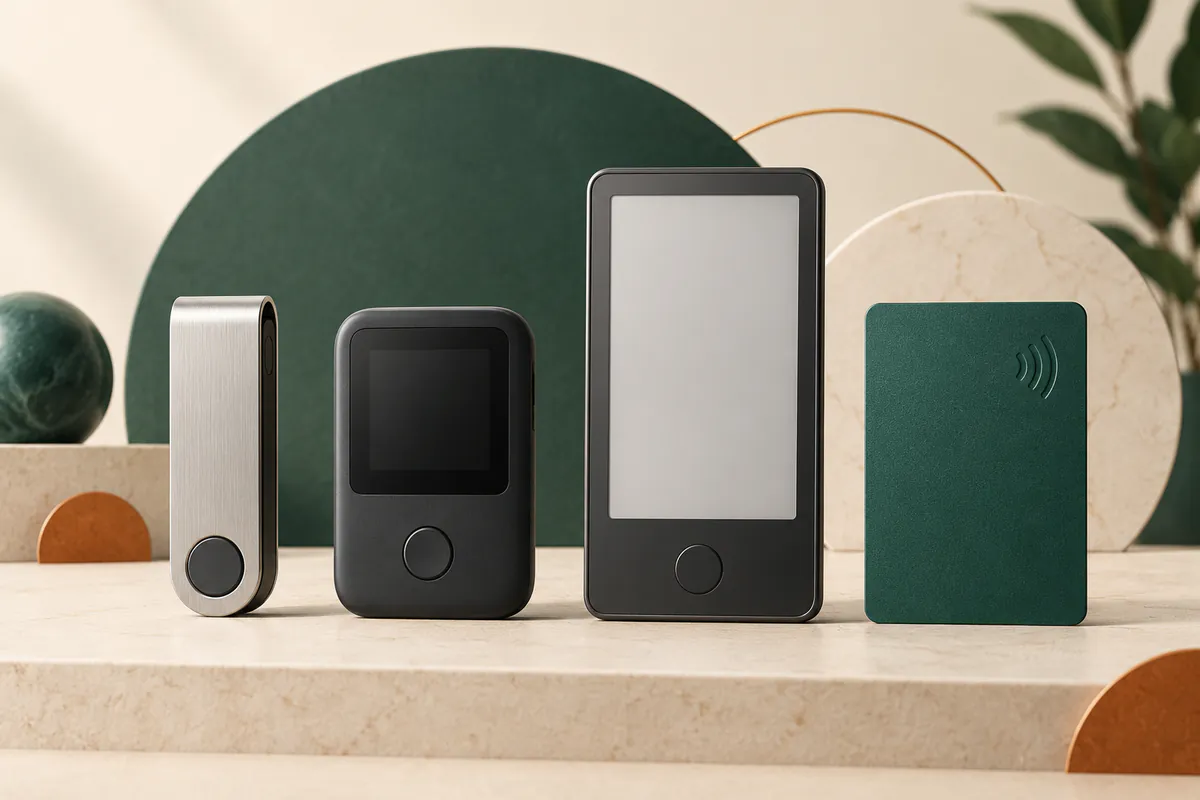
Choosing a Ledger hardware wallet starts with two questions: which device do you use to manage crypto, and how often do you approve a transaction? Someone who holds Bitcoin and transfers it infrequently may prefer a wired device without a battery. Someone who uses a phone or interacts with smart contracts should also consider wireless connectivity and how much detail fits on the device's screen.
Across all five models, the device holds keys and authorizes signatures. The assets themselves are recorded on the blockchain. Screen and connection differences affect everyday use; they do not predict returns or protect against a fall in the asset's value.
The five models at a glance
The table focuses on differences that change how you use the device. Connections describe hardware capabilities; NFC is not an alternative connection for every wallet-app operation.
| Model | Connections | Screen | Use to consider |
|---|---|---|---|
| Nano S Plus | USB-C only | OLED with buttons | Wired desktop or Android use |
| Nano X | USB-C and Bluetooth | OLED with buttons | Phone use in a compact device |
| Nano Gen5 | USB-C, Bluetooth and NFC | 2.8-inch E Ink touchscreen | Reviewing transactions on a touchscreen |
| Flex | USB-C, Bluetooth and NFC | 2.8-inch E Ink touchscreen | Higher resolution than Gen5 |
| Stax | USB-C, Bluetooth and NFC | Curved 3.7-inch E Ink touchscreen | A larger display and Qi charging |
Nano S Plus operates without a battery. The other four models have batteries; Stax supports Qi wireless charging. These affect convenience and device upkeep, so check the phone or computer you will actually use before choosing a model.
Connecting to a phone or computer
Ledger Wallet, formerly Ledger Live, is the app used to manage accounts. Nano S Plus connects to it by USB on a desktop or Android phone and does not support iPhone. Bluetooth-equipped models connect to the app on Android and iOS. Desktop use relies on USB; Nano X documentation, for example, explicitly rules out Bluetooth with the desktop app.
On Nano Gen5, Flex and Stax, NFC also supports Ledger Security Key for signing in to compatible services. It does not establish compatibility with every wallet or network. Before buying, check your operating system, connection type and support for the asset you want to manage.
A larger screen helps you review what you sign
Nano S Plus and Nano X show details on small screens with button navigation. The three touchscreen models provide more room for addresses and transaction information. Flex has a 480×600-pixel display, compared with 400×300 on Nano Gen5; Stax offers a larger, curved screen. The trade-off is between display shape, resolution and size.
Clear Signing makes supported transaction details readable. On touchscreen models, Transaction Check through Ledger Wallet adds screening for known threats. These checks do not certify that a contract is safe. Even on a large screen, signing a malicious approval can allow assets to be transferred. Review the details displayed on the device before confirming.
Three distinct backup options
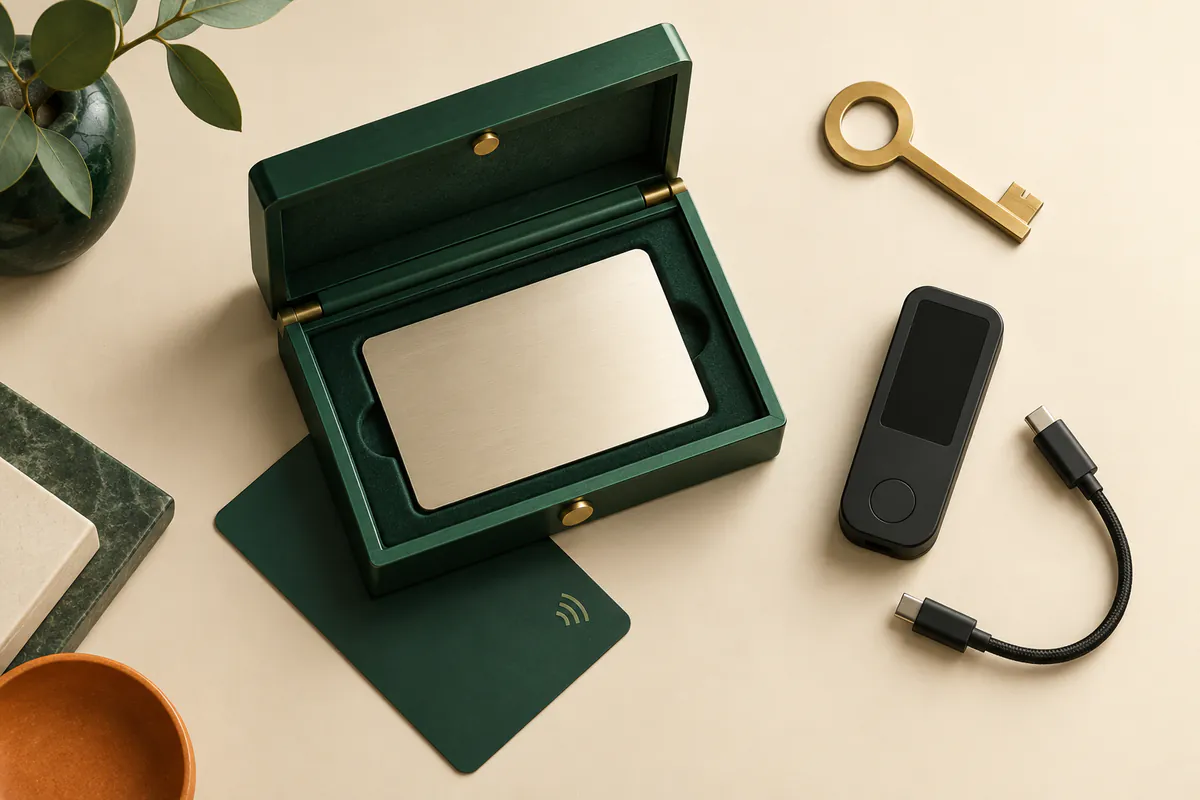
The recovery phrase is the basic backup across all models. Ledger's product overview states that Nano Gen5, Flex and Stax also include Ledger Recovery Key: a physical, PIN-protected card holding an encrypted backup for restoration over NFC on a compatible device. Nano S Plus and Nano X do not include the card by default.
Ledger Recover is a separate service: a paid subscription you choose to activate, with identity verification and backup providers. Buying the device does not activate it. Choosing it adds reliance on the service and its terms. Whether you use a card or a subscription, any copy of your recovery phrase must remain private and must not be photographed.
How to narrow your choice
For infrequent transactions, consider whether Nano S Plus provides the connection you need. For phone use, decide whether Nano X is sufficient or whether a touchscreen makes transaction review easier. Between Gen5 and Flex, compare resolution and construction; Stax is worth considering if display size and wireless charging matter to your use.
Check the total at checkout and what the selected bundle includes. Once you have chosen a model, read the setup and recovery guide. The Ledger review brings together service details; the crypto exchange and wallet guide covers what to consider before moving assets from a trading account into self-custody.
This information is for learning and comparison, not investment advice. Verify product details and eligibility conditions against the current source.
About our methodology