What changes when you move to self-custody
In a custodial crypto account, the provider holds the keys and signs transactions at your request. With a hardware wallet, responsibility for the keys and backup moves to you. The device does not contain the coins themselves: it signs transactions for assets recorded on the network. An incoming transfer can reach the account even while the device is disconnected.
For Ledger, the term cold wallet refers to keys stored on the hardware device, separate from the computer or phone app; the device still uses a connection to communicate with that app. Moving reduces reliance on the exchange's custody but requires a protected backup and careful transaction review. Set up the device before transferring assets.
Set up a new device and create a backup
Download Ledger Wallet through Ledger's official website and use it to check device genuineness and update the operating system. During initial setup, choose to create a new wallet and select your own 4–8-digit PIN. A device supplied with a preset PIN or a prewritten phrase is unsuitable for this process.
The device displays 24 recovery words. Write them in the order and spelling shown on its screen, then confirm them on the device as instructed. Copy the words exactly, even if your interface or guide is in Hebrew; do not translate them. Keep the sheet in a protected location. Do not photograph it, save it to the cloud or enter it into a website, app or support chat.
Verify an address before your first transfer
Install the relevant blockchain app on the device and add an account in Ledger Wallet. During the receive process, display the address on the device and compare the entire address with the one in the app. After copying and pasting, check again that the address has not changed.
When withdrawing from an exchange, match both the asset and withdrawal network to the destination account. An identical ticker does not establish that the network is the same. Send a small amount first, verify that it reached the correct account, and then decide on the next transfer. The test transfer itself may incur a fee.
What to check whenever you sign
When sending, check the destination, amount and transaction details on the device. For a smart contract, also review what the permission allows: a token approval can grant a contract access to assets without making an ordinary transfer immediately. If the details are unreadable or unclear, do not approve just to reach the next screen.
A secure display and transaction checks help you read the details, but they do not eliminate the risk of a malicious contract or approval. Anyone who obtains the recovery phrase can access the accounts without the device or PIN. Ledger support does not need the phrase to help. Signing on the device does not give Ledger the ability to reverse a transaction already confirmed on the network.
Restoring access on a replacement device
If the device is lost or stops working but you still have the backup, you can restore the accounts on a compatible device. Choose to restore an existing wallet, set a PIN and enter the words only on the device's screen. Then install the blockchain apps and add the accounts back into the companion app. Restoring the keys does not move the coins elsewhere.
The PIN unlocks the device; it does not replace the recovery phrase. If both the phrase and device are inaccessible and no usable alternative backup was configured beforehand, support or a password reset cannot restore the keys. Before resetting a working device, make sure your backup is available and legible.
Recovery Key and Recover are different backups
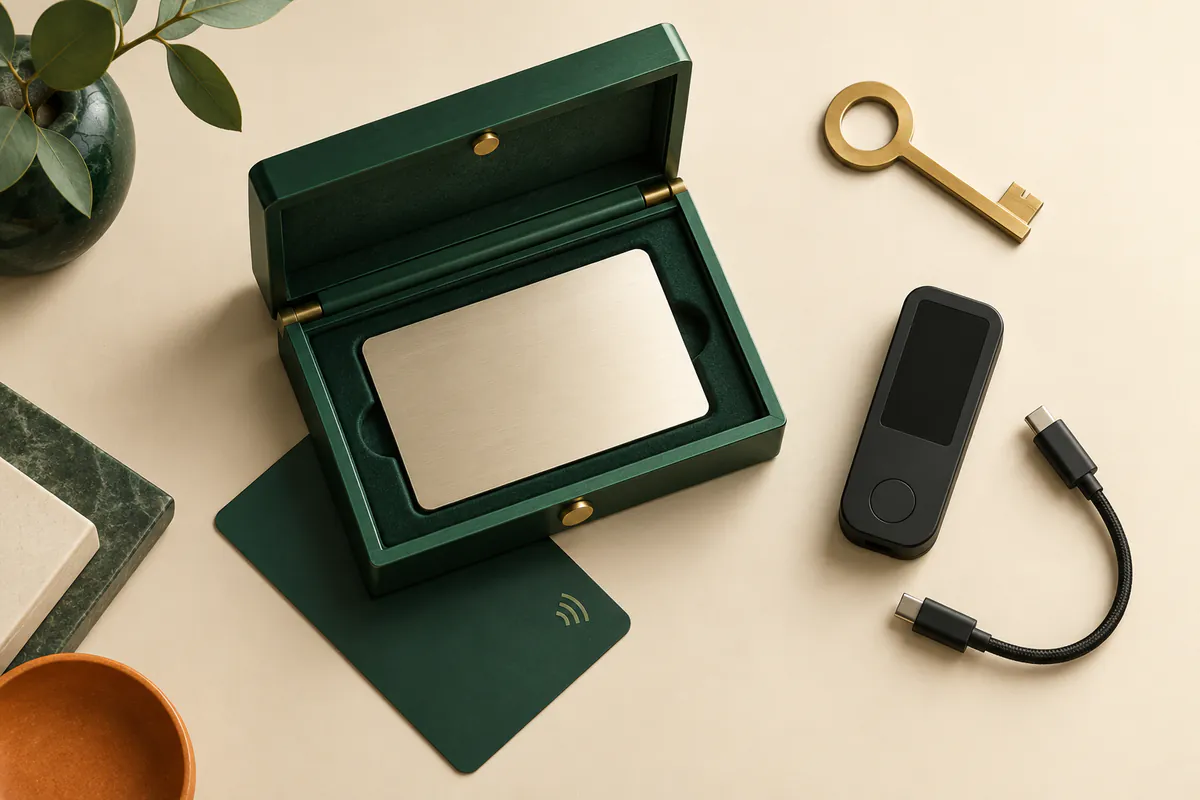
Ledger Recovery Key is a physical, PIN-protected card for restoration over NFC on a compatible device. Ledger Recover is a separate paid subscription, provided by Coincover, that requires activation and identity verification. The documentation states that, after approval on the device, three encrypted backup fragments are sent to Ledger, Coincover and EscrowTech; two are needed for recovery.
The service adds reliance on provider availability, the identity checks and subscription terms. It does not return a new written phrase to you and does not back up an additional passphrase if you use one. Before activating it, check support for your model and identity document, and review cancellation terms. Ordinary device use does not require a Recover subscription.
Separate the device price from usage costs
Buying the device is one cost. Sending on a blockchain incurs a network fee that depends on the network and congestion, and the exchange you withdraw from may charge a withdrawal fee. Buying or swapping assets within Ledger Wallet can involve a third-party provider; review the quote, fees and amount you will receive before confirming. A Recover subscription, if you choose one, is a separate charge.
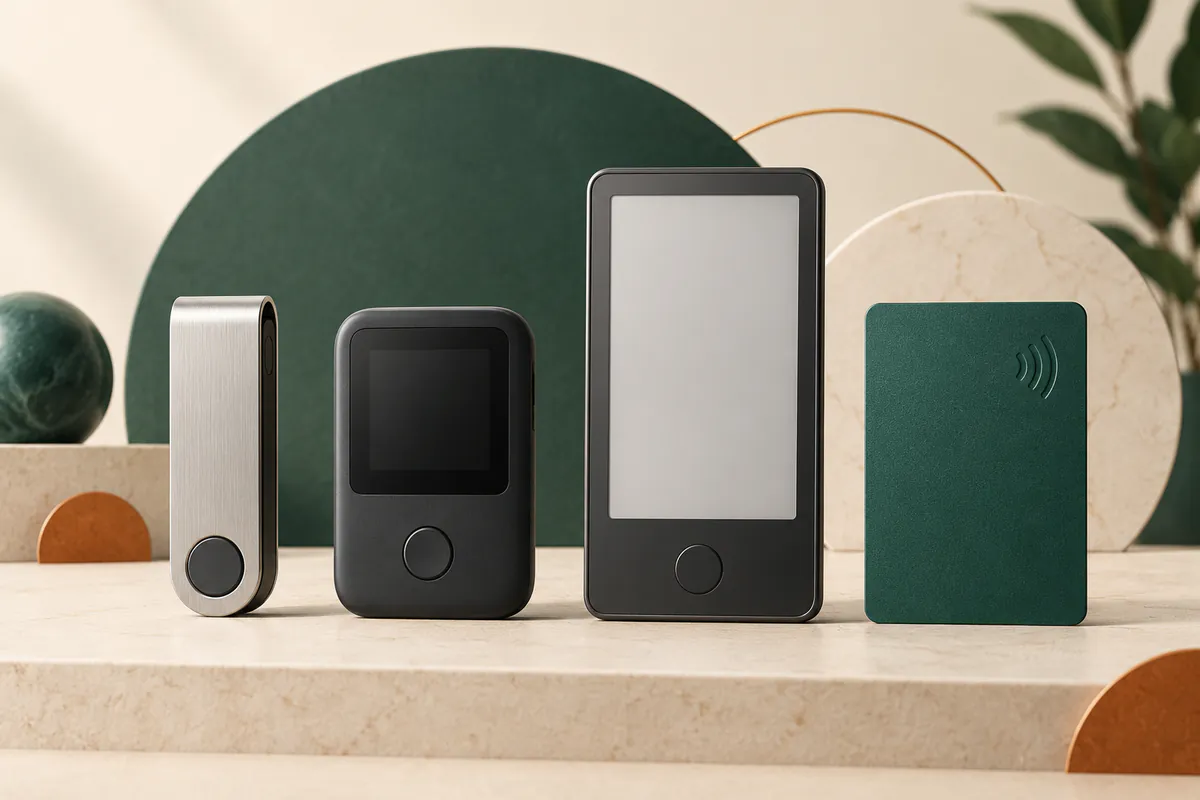
The Ledger model comparison helps you choose a screen and connection, and the Ledger review brings together service details. If you are starting from a trading account, also read the crypto exchange and wallet guide to distinguish trading fees, withdrawal charges and blockchain transfer costs.
This information is for learning and comparison, not investment advice. Verify product details and eligibility conditions against the current source.
About our methodology